
Tech
How Face Swap Is Helping Content Creators Maintain a Consistent Visual Identity


A recognizable visual identity is one of the most valuable assets a content creator can build.
It is what makes an audience remember a face, a style, or a specific type of content across platforms. Whether it is YouTube thumbnails, Instagram visuals, or ad creatives, consistency plays a direct role in trust and recall.
But maintaining that consistency is harder than it looks.
As creators produce more content across formats and channels, even small variations in visuals can start to weaken identity. Differences in lighting, angles, or subjects may seem minor, but over time they create a fragmented presence that directly impacts overall brand perception.
Why Visual Identity Breaks Over Time
Most creators do not struggle with creativity. They struggle with consistency.
Content is often produced in different environments:
- Different shoots
- Different edits
- Different timelines
This leads to subtle variations in visuals.
For example:
- A subject looks slightly different in each post
- Lighting changes across content
- Composition shifts depending on format
Individually, these changes may not matter. Over time, they reduce visual clarity and recognition.
The Challenge of Scaling Identity
As creators grow, so does the complexity of their content.
They often need:
- Multiple versions of the same visual
- Content tailored for different platforms
- Variations for different audiences
Traditionally, this requires repeated effort.
New shoots, new edits, and continuous adjustments become part of the process. This approach works in the early stages, but it becomes difficult to sustain at scale.
A More Structured Approach to Identity
Instead of rebuilding identity in every piece of content, creators are beginning to treat it as something that can be preserved and adapted.
This is where Face Swap becomes part of the workflow.
Early in the production process, Face Swap can be used within the Higgsfield ecosystem to maintain identity across visuals without reconstructing the entire image.
The shift is simple.
Identity is no longer recreated each time. It is maintained.
Maintaining Character Consistency
Character consistency plays a central role in visual identity.
Audiences connect with faces. They remember expressions and associate them with specific creators or brands.
When that identity changes slightly across content, recognition weakens.
Higgsfield Face Swap helps maintain:
- Consistent facial structure
- Stable identity across visuals
- Alignment across different content formats
This makes content feel connected rather than fragmented.
Creativity Without Losing Identity
Consistency should not limit creativity.
Creators still need to experiment with different formats, styles, and ideas.
The challenge is doing that without losing the core identity.
Face Swap supports this balance.
Instead of changing identity with every new concept, creators can keep it consistent while exploring:
- New visual styles
- Different compositions
- Alternative creative directions
This allows for flexibility without compromising recognition.
Faster Production With Consistent Output
Speed is critical in content creation.
Creators often produce content daily or multiple times per week.
Maintaining consistency manually slows this process.
Higgsfield Face Swap reduces that friction.
By preserving identity within existing visuals, it allows creators to produce content faster while maintaining alignment across outputs.
This is particularly useful for:
- High-frequency publishing
- Social media campaigns
- Content series
Strengthening Recognition Over Time
Consistency builds familiarity.
When visuals are aligned, audiences begin to recognize patterns.
This leads to:
- Stronger recall
- Increased trust
- Better engagement
Higgsfield Face Swap supports this by ensuring that identity remains stable across content.
Instead of appearing inconsistent, the creator’s visual presence becomes more defined.
Managing Multi Platform Content
Modern creators rarely focus on a single platform.
Content is adapted for:
- YouTube
- Short-form video platforms
- Ads and campaigns
Each platform has different requirements.
Maintaining identity across these variations can be difficult.
Within workflows on the Higgsfield, Face Swap helps ensure that identity remains consistent even when content is adapted for different formats.
From Content Pieces to Content Systems
One of the biggest changes in content creation is the move toward systems.
Instead of treating each post as an individual asset, creators are building structured workflows.
These workflows focus on:
- Reusable visuals
- Consistent identity
- Efficient production
Higgsfield Face Swap supports this approach by enabling identity to be reused and adapted across multiple outputs.
This reduces repetition and improves scalability.
Why This Matters for Growth
Visual identity is directly linked to growth.
Creators who maintain consistency are more likely to:
- Build stronger personal brands
- Retain audience attention
- Scale their content effectively
Face swap technology helps support this by simplifying how identity is maintained across visuals.
The Role of Face Swap in Modern Workflows
Face Swap is no longer just an editing tool.
It is becoming part of how creators structure their content production.
Higgsfield Face Swap, as a dedicated tool within the Higgsfield, supports consistent identity without requiring repetitive work.
It allows creators to focus on storytelling while maintaining a stable visual presence.
Conclusion
Maintaining a consistent visual identity is one of the biggest challenges in content creation.
As content scales, small variations can weaken recognition and reduce impact.
Face swap technology addresses this by preserving identity across visuals.
Higgsfield Face Swap enables creators to maintain consistency while still exploring new creative directions.
As content continues to evolve across platforms, this balance between consistency and flexibility will become increasingly important.

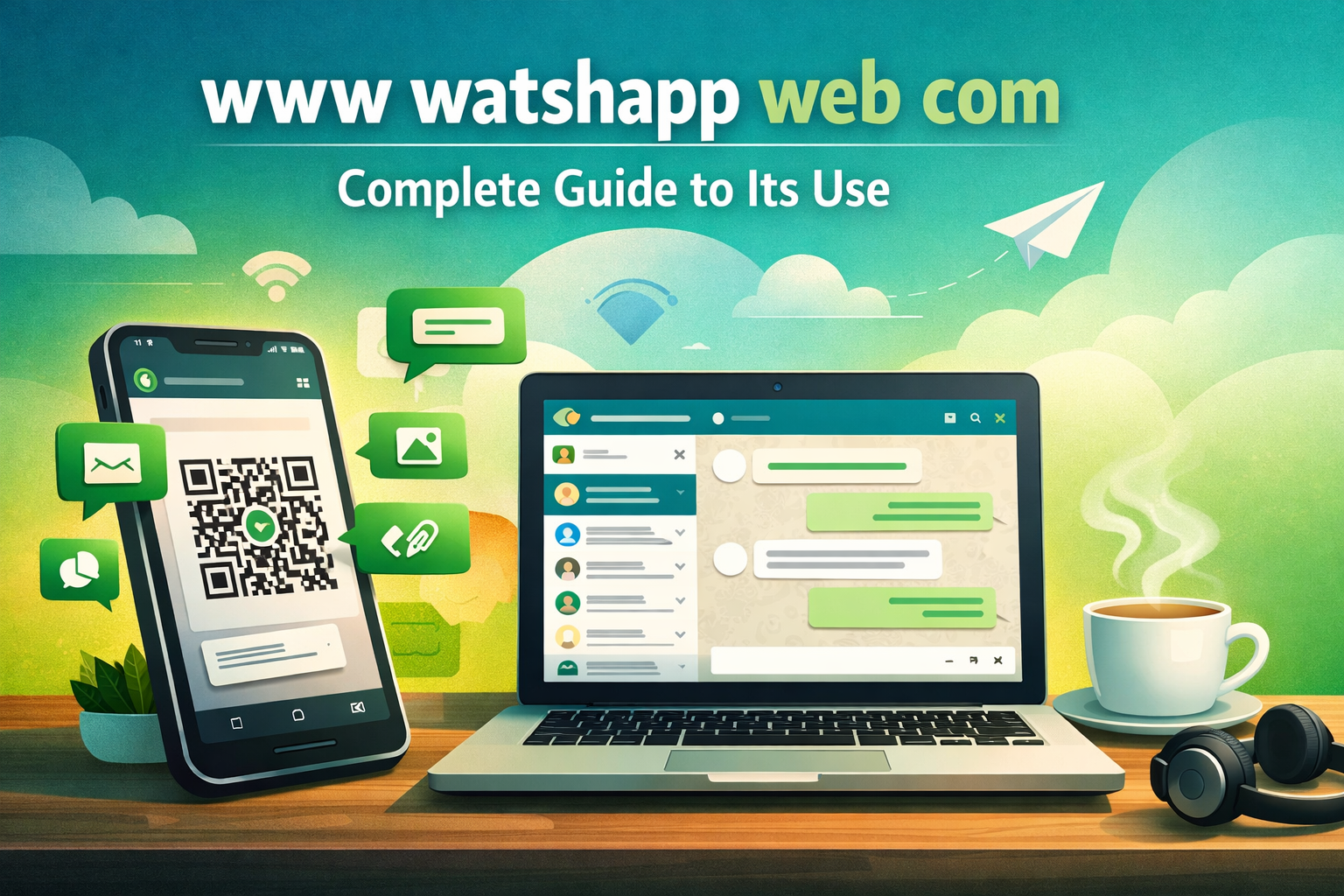
Introduction to www watshapp web com
The digital world keeps evolving, and communication tools continue to shape how people interact daily. One such term gaining attention is www watshapp web com, which appears to be closely tied to online messaging access through web browsers. Whether users are working remotely, managing business communication, or simply chatting with friends, browser-based messaging platforms have become essential tools in modern life.
Understanding www watshapp web com requires looking beyond just its name. It reflects a broader trend where users prefer convenience, accessibility, and synchronization across devices. Instead of relying solely on mobile apps, people now want the flexibility to access conversations from desktops and laptops. This shift is especially helpful for professionals who spend most of their time on computers and want seamless communication without switching devices constantly.
The popularity of such platforms also stems from their simplicity. With just a browser and an internet connection, users can stay connected instantly. There’s no need for complex installations or high-end systems. This ease of access makes it appealing for students, freelancers, and businesses alike.
Moreover, digital communication tools like these are not just about chatting anymore. They are evolving into complete ecosystems that support file sharing, voice communication, collaboration, and even productivity. As a result, understanding how www watshapp web com works can help users make the most out of modern communication technologies and improve their digital lifestyle.
Understanding How www watshapp web com Works in Practice
At its core, www watshapp web com represents a web-based interface that mirrors conversations from a mobile messaging application onto a desktop browser. This means users can send and receive messages, share media, and manage chats without needing to pick up their phone repeatedly.
Will You Check This Article: www.whattshapp.web – Truth, Safety, and Digital Reality
The working mechanism is relatively straightforward but highly efficient. When a user connects to the web version, it typically syncs with their mobile device using a secure linking method. Once connected, all messages, contacts, and media become accessible on the browser in real time. This ensures that users never miss important updates, whether they are working on a laptop or browsing casually.
One of the biggest advantages of this system is real-time synchronization. Messages sent from the phone appear instantly on the browser and vice versa. This seamless integration makes communication faster and more efficient, especially in multitasking environments. For example, a professional handling emails, documents, and chats simultaneously can benefit greatly from having everything in one place.
Security is another crucial aspect. Most web-based messaging systems use encryption to ensure that conversations remain private. This builds trust among users and encourages wider adoption. Additionally, sessions are often tied to specific devices, allowing users to log out remotely if needed.
Another interesting feature is media handling. Users can easily drag and drop files, images, or documents directly into chats. This makes collaboration smoother, especially in work settings where quick file sharing is essential.
Overall, the functionality of www watshapp web com highlights how modern communication tools are designed to be efficient, user-friendly, and adaptable to various needs.
Key Features That Make www watshapp web com Useful
The effectiveness of www watshapp web com lies in its feature set, which is designed to enhance user convenience and productivity. These features go beyond basic messaging and offer a complete communication experience.
One of the standout features is cross-device accessibility. Users can start a conversation on their phone and continue it seamlessly on their computer. This flexibility is especially useful for individuals who switch between devices frequently throughout the day. It eliminates interruptions and keeps communication flowing smoothly.
Another important feature is ease of use. The interface is typically clean, intuitive, and easy to navigate. Even users who are not tech-savvy can quickly understand how to use it without any training. This simplicity contributes significantly to its widespread adoption.
Media sharing is another strong point. Users can send images, videos, documents, and even voice messages directly from their desktop. This is particularly beneficial in professional environments where quick document sharing is required. Instead of transferring files to a phone first, users can upload them directly from their computer.
Here are a few notable features that enhance usability:
- Real-time message synchronization across devices
- Simple browser-based access without installation
- Fast media and document sharing capabilities
Additionally, notification management ensures that users stay updated without being overwhelmed. Desktop notifications alert users about new messages, allowing them to respond promptly. This feature is especially useful for time-sensitive conversations.
Customization options also play a role in improving user experience. From chat backgrounds to notification settings, users can personalize their interface according to their preferences.
In essence, the features of www watshapp web com are designed to make communication faster, easier, and more efficient, catering to both personal and professional needs.
Benefits of Using www watshapp web com in Daily Life
Incorporating www watshapp web com into daily routines can significantly improve communication efficiency. Whether for personal use or professional tasks, the benefits are noticeable and impactful.
One major advantage is increased productivity. When users can access messages directly from their desktop, they save time and reduce distractions. There’s no need to constantly switch between devices, which helps maintain focus on important tasks. For example, someone working on a report can quickly respond to messages without losing their workflow.
Another benefit is improved multitasking. With multiple tabs open in a browser, users can manage emails, documents, and chats simultaneously. This creates a more organized and efficient working environment. It also reduces the chances of missing important messages.
Convenience is another key factor. Since www watshapp web com operates through a browser, users don’t need to install additional software. This makes it accessible from almost any device with internet access. Whether using a personal laptop, office computer, or shared system, users can stay connected easily.
Communication clarity also improves with desktop usage. Typing on a full-sized keyboard is faster and more comfortable than using a mobile device. This is particularly helpful for long conversations, detailed explanations, or professional discussions.
Additionally, it supports better file management. Sending documents directly from a computer eliminates extra steps and ensures quicker sharing. This is especially useful in collaborative environments where time is critical.
Overall, the benefits of www watshapp web com extend beyond convenience. It enhances productivity, improves communication, and adapts to modern digital lifestyles effectively.
Common Use Cases Across Different User Groups
The versatility of www watshapp web com makes it suitable for a wide range of users, each benefiting from it in unique ways. Its adaptability ensures that it fits seamlessly into different lifestyles and professional environments.
Students, for instance, use it to stay connected with classmates and manage group discussions. Whether sharing notes, discussing assignments, or coordinating projects, the web interface makes collaboration easier. Typing long messages or sharing documents becomes more efficient on a computer.
Professionals rely on it for workplace communication. From quick updates to detailed discussions, having messaging access on a desktop improves workflow. It allows employees to stay connected without disrupting their tasks. Teams can share files, discuss ideas, and coordinate activities more effectively.
Freelancers and remote workers also benefit significantly. Since they often work independently, having a reliable communication tool is essential. www watshapp web com enables them to interact with clients, share progress updates, and manage projects efficiently.
Businesses use it for customer interaction as well. Responding to queries, sharing information, and providing support becomes faster when managed through a desktop interface. This improves response time and enhances customer satisfaction.
Here are two common scenarios where it proves highly effective:
- Managing team communication in remote work environments
- Handling quick client interactions and file sharing
Even casual users find it useful for staying connected with friends and family while browsing or working on their computers. It adds convenience without requiring extra effort.
The wide range of use cases demonstrates how www watshapp web com caters to diverse needs, making it a valuable tool for different types of users.
Potential Limitations and How to Overcome Them
While www watshapp web com offers numerous advantages, it is not without limitations. Understanding these challenges can help users use the platform more effectively and avoid potential issues.
One common limitation is dependency on an active internet connection. Without stable connectivity, the web interface may not function properly. This can disrupt communication, especially in areas with unreliable internet access. To overcome this, users should ensure they have a stable connection or use backup options when necessary.
Another challenge is device dependency. In many cases, the web version requires an initial connection or pairing with a mobile device. If the phone is unavailable or disconnected, access may be limited. Keeping the mobile device charged and connected can help avoid such issues.
Privacy concerns can also arise, especially when using shared or public computers. If users forget to log out, their conversations may remain accessible to others. To prevent this, it is important to log out after each session and avoid using public devices for sensitive communication.
Performance can sometimes vary depending on the browser or system being used. Older devices or outdated browsers may not provide the best experience. Regular updates and using modern browsers can improve performance significantly.
Despite these limitations, most issues can be managed with simple precautions. By understanding potential challenges and taking preventive measures, users can enjoy a smooth and secure experience with www watshapp web com.
People also like this: seo by highsoftware99.com: Growth Strategies That Truly Work
Conclusion
The rise of browser-based communication tools highlights the growing demand for flexibility and convenience in digital interactions. www watshapp web com represents this shift perfectly, offering users a seamless way to stay connected across devices without compromising efficiency.
From its real-time synchronization to its user-friendly interface, it provides a practical solution for modern communication needs. Whether used by students, professionals, freelancers, or businesses, it enhances productivity and simplifies daily interactions. The ability to manage conversations, share files, and multitask effectively makes it a valuable addition to any digital routine.
While there are some limitations, they are manageable with simple precautions. Ensuring a stable connection, maintaining device security, and using updated systems can help users get the best experience.
Ultimately, adopting tools like www watshapp web com is not just about convenience—it’s about adapting to a more connected and efficient way of living. Embracing such platforms can lead to better communication, improved workflow, and a more organized digital lifestyle.
Frequently Asked Questions (FAQs)
1. What is www watshapp web com used for?
It is used to access messaging services through a web browser, allowing users to send messages, share files, and manage chats from a computer instead of a mobile device.
2. Do I need to install anything to use it?
No, it works directly in a browser. Users only need an internet connection and a linked mobile device to start using it.
3. Is it safe to use on shared computers?
It can be safe if users log out after use. Avoid leaving sessions open on public or shared devices to protect privacy.
4. Can I send files using www watshapp web com?
Yes, users can easily send images, documents, and other files directly from their computer, making communication more efficient.
5. Does it work without a phone connection?
In most cases, it requires initial linking with a mobile device. Some features may depend on the phone being connected to the internet.
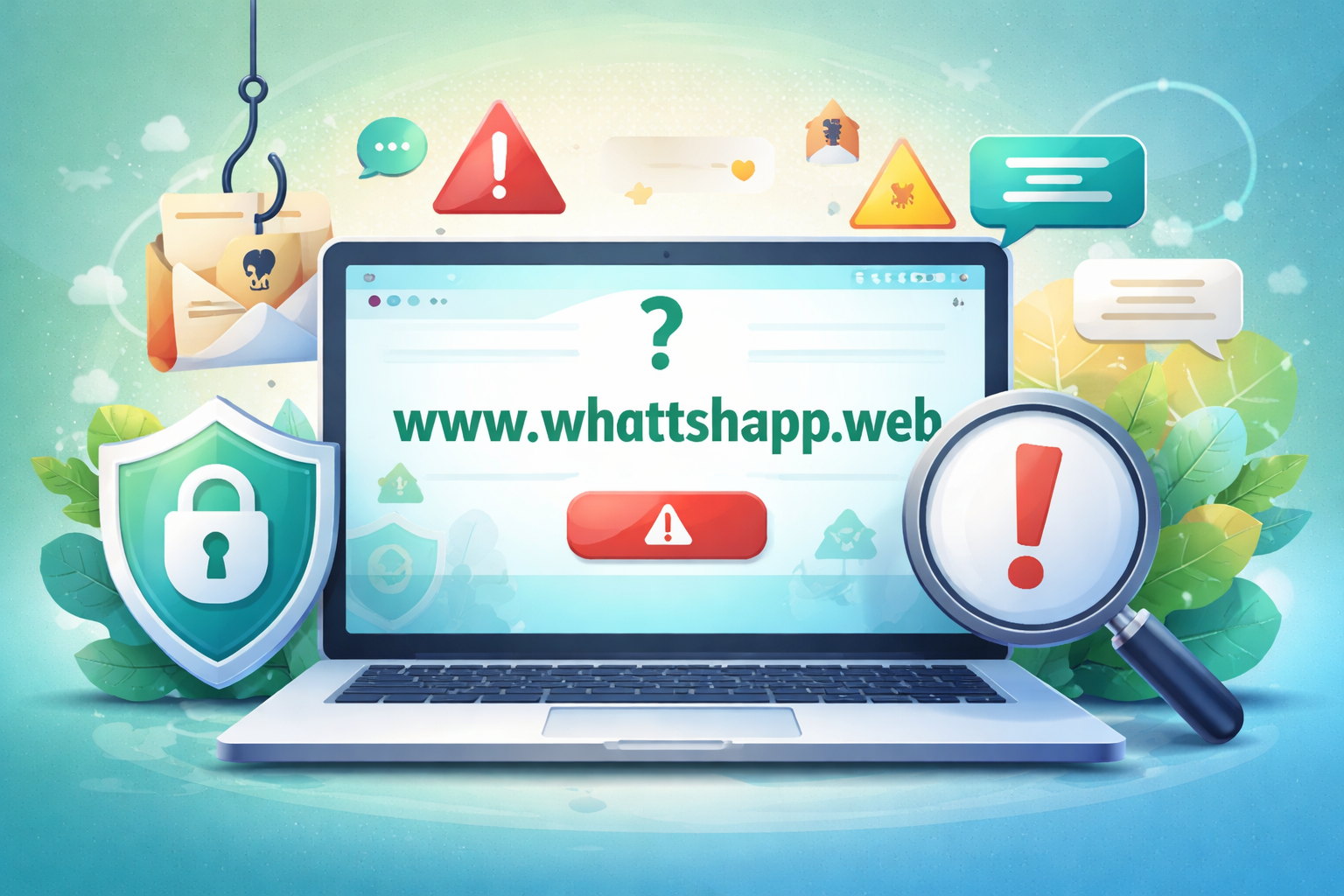
Introduction to www.whattshapp.web
The internet is full of mysterious names, unusual domains, and unfamiliar platforms that suddenly gain attention. One such term that has sparked curiosity is www.whattshapp.web. Many users stumble upon it through links, messages, or word-of-mouth, wondering whether it is connected to messaging apps, a new platform, or something entirely different.
At first glance, the name resembles popular communication services, which can lead to confusion. However, curiosity alone is not enough to understand what it truly represents. It is essential to explore its purpose, legitimacy, and potential risks. This article dives deep into the reality behind www.whattshapp.web, explaining what it is, why people encounter it, and how to deal with it safely in today’s digital world.
What Is www.whattshapp.web and Why It Exists
Understanding www.whattshapp.web requires looking beyond the name and focusing on how such domains operate on the internet. Many websites with similar names are often created to mimic well-known platforms. This technique is widely used to attract users who may mistype a URL or click on unfamiliar links shared online.
Will You Check This Article: seo by highsoftware99.com: Growth Strategies That Truly Work
In many cases, such domains are not official services. Instead, they may serve different purposes—some harmless, others potentially risky. For example, certain sites are created for advertising networks, redirect traffic, or collect user data. Others may try to imitate legitimate platforms to gain trust quickly.
The existence of such domains highlights how easy it is to create a website that looks convincing. With minimal effort, a developer can design a page that appears similar to a popular messaging or social platform. This is why users often assume a connection where none exists.
The key reason behind platforms like www.whattshapp.web is attention. The more clicks a site receives, the more valuable it becomes for its creators. Whether through ads, redirects, or data collection, the goal is usually engagement rather than genuine service.
How Users Encounter www.whattshapp.web Online
Many people do not actively search for www.whattshapp.web. Instead, they encounter it unexpectedly. This usually happens through links shared on messaging apps, social media posts, or even email messages.
One common scenario involves receiving a message with a clickable link that promises something interesting—such as exclusive content, account verification, or a special feature. When clicked, the link leads to a domain like www.whattshapp.web. Since the name feels familiar, users often proceed without questioning its authenticity.
Another way users come across such domains is through typing errors. A small spelling mistake in a web address can lead to entirely different sites. This phenomenon, often called typo-based redirection, is more common than most people realize.
Additionally, some websites embed hidden redirects that automatically send users to different domains without clear notice. This can create confusion and make it difficult to trace how the user arrived there in the first place.
The recurring pattern is simple: curiosity, familiarity, and convenience combine to draw users in. Unfortunately, these same factors can also increase vulnerability.
Is www.whattshapp.web Safe or Risky to Use?
Safety is one of the most important concerns when dealing with unfamiliar domains like www.whattshapp.web. While not every unknown site is harmful, caution is always necessary.
The biggest risk lies in uncertainty. When a site’s origin, purpose, and ownership are unclear, users cannot fully trust it. Some domains are designed to look harmless while quietly collecting user information such as email addresses, phone numbers, or browsing habits. Others may display misleading content or attempt to install unwanted software.
A key indicator of risk is inconsistency. If a website lacks clear branding, official information, or transparent policies, it raises red flags. Similarly, if it requests sensitive data without a valid reason, it should be avoided immediately.
It is also important to consider user experience. Unexpected pop-ups, forced redirects, or excessive ads often signal that a site is not reliable. These elements are commonly used to manipulate user behavior or generate revenue through clicks rather than provide real value.
Ultimately, the safest approach is to treat unfamiliar domains with skepticism. Avoid sharing personal information and exit the site if anything feels suspicious.
Common Misconceptions About www.whattshapp.web
Many misconceptions surround www.whattshapp.web, mainly due to its name. People often assume it is related to well-known messaging services or an official extension of a trusted platform. This misunderstanding can lead to misplaced trust.
One major misconception is that similar names guarantee authenticity. In reality, domain names can be easily registered by anyone, regardless of their intentions. This means a familiar-looking name does not automatically indicate legitimacy.
Another misunderstanding is that all websites accessed through shared links are safe. While many links are harmless, others can lead to unexpected destinations. Trusting every link without verification increases the risk of encountering misleading or harmful content.
There is also a belief that modern browsers or devices automatically block unsafe websites. While they provide some protection, they are not foolproof. Users still need to remain vigilant and make informed decisions.
By recognizing these misconceptions, users can develop a more cautious and informed approach to navigating unfamiliar domains.
How to Stay Safe When Visiting Unknown Websites
Staying safe online is not about avoiding the internet but about using it wisely. When dealing with sites like www.whattshapp.web, a few simple habits can make a significant difference.
First, always verify the web address before interacting with any page. A small spelling difference can indicate a completely unrelated site. Second, avoid entering personal details unless you are absolutely certain about the platform’s authenticity.
Another useful habit is observing the website’s behavior. If it redirects unexpectedly, shows excessive ads, or asks for unnecessary permissions, it is best to leave immediately.
Here are a few practical safety steps:
- Double-check links before clicking
- Avoid downloading files from unknown sources
Additionally, keeping devices updated and using reliable security tools adds another layer of protection. While no method is perfect, combining awareness with basic precautions significantly reduces risk.
The Broader Impact of Domains Like www.whattshapp.web
Domains such as www.whattshapp.web reflect a larger trend in the digital world. As internet usage grows, so does the number of websites designed to capture attention quickly. This creates an environment where users must constantly distinguish between genuine platforms and misleading ones.
The impact goes beyond individual users. It affects trust across the internet. When people encounter deceptive or confusing domains, they may become hesitant to explore new platforms altogether. This can slow down innovation and reduce confidence in digital services.
On the other hand, increased awareness can lead to better habits. As users become more informed, they learn to question unfamiliar links and verify sources. This shift toward cautious browsing helps create a safer online environment for everyone.
The presence of such domains also highlights the importance of digital literacy. Understanding how websites function, how domains are created, and how online interactions work empowers users to make smarter decisions.
People also like this: Vitilinox Uncovered: Meaning, Uses, and Real Potential
Conclusion
The mystery around www.whattshapp.web is a reminder of how complex and dynamic the internet has become. While the name may appear familiar, it does not necessarily represent a trusted or official platform. Instead, it reflects a broader pattern where attention-driven domains attract users through curiosity and similarity.
Understanding how such websites operate is essential for safe browsing. By recognizing the signs of unfamiliar or potentially misleading domains, users can protect themselves from unnecessary risks. Simple habits like verifying links, avoiding suspicious requests, and staying alert can go a long way.
The digital world offers endless opportunities, but it also requires awareness. Approaching unfamiliar websites with caution ensures a safer and more confident online experience. In the end, knowledge is the most powerful tool for navigating today’s internet landscape.
Frequently Asked Questions (FAQs)
1. What is www.whattshapp.web used for?
It is an unfamiliar domain that may not represent an official service. Its purpose can vary, often involving redirects, ads, or user engagement.
2. Is www.whattshapp.web connected to any official app?
No clear evidence suggests it is linked to any official platform. Similar names can be misleading and should not be trusted automatically.
3. Can visiting www.whattshapp.web harm my device?
Not always, but there is potential risk. It depends on the site’s behavior, so caution is strongly recommended.
4. Why do I keep seeing links to www.whattshapp.web?
Such links are often shared through messages or embedded in redirects, which increases their visibility online.
5. How can I avoid unsafe websites like this?
Always verify links, avoid sharing personal data, and leave any site that behaves suspiciously or seems unfamiliar.
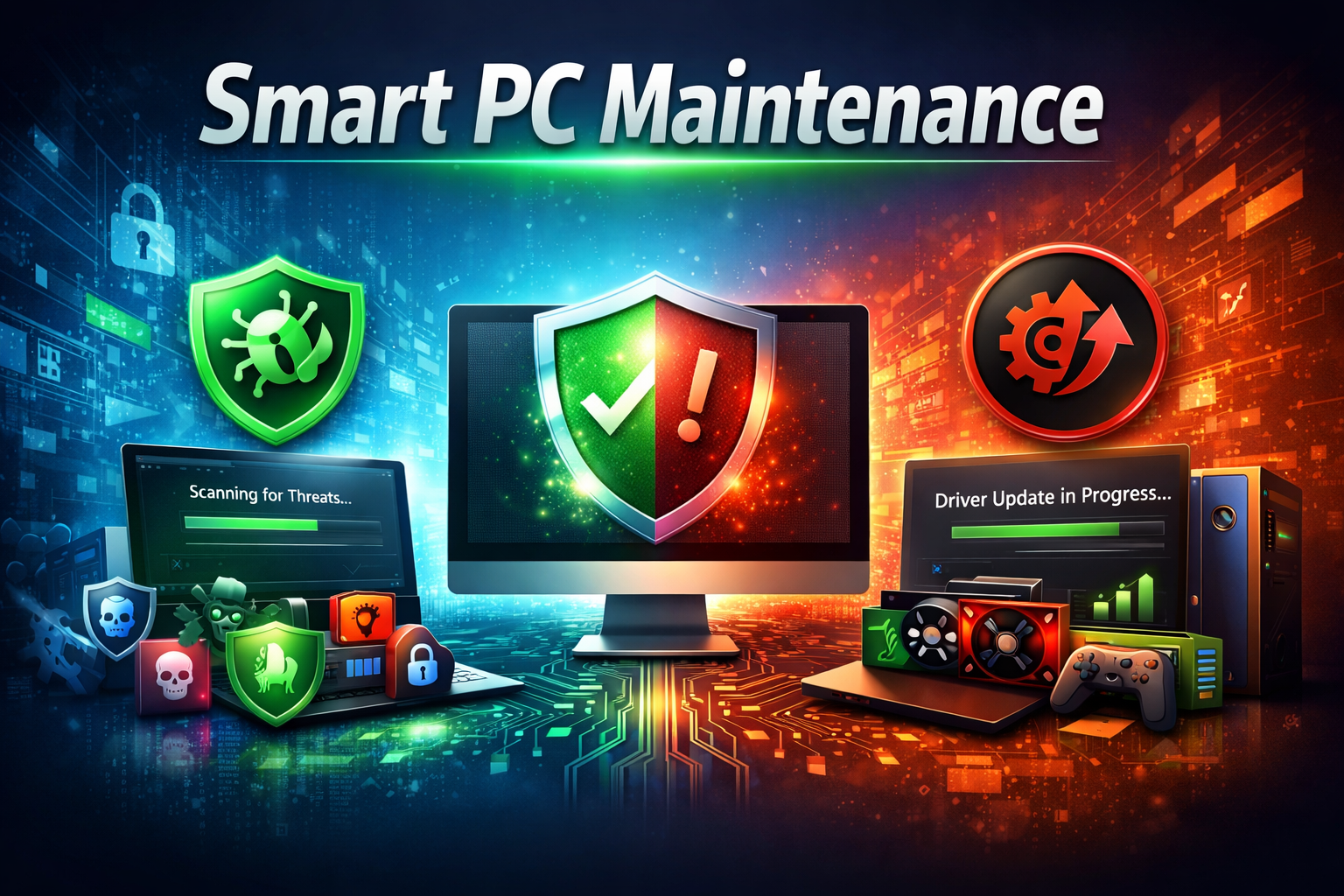
In the digital age, speed is not the only thing that is important in keeping a computer, but also security, stability, and performance. Even when you are working, producing some content, or working on some online projects, the slightest glitch in the system will disrupt your flow and lower productivity.
To overcome these problems, IObit offers two effective applications: IObit Malware Fighter to safeguard your system and IObit Driver Booster to update drivers to maintain your hardware in good working condition. They make a combination of a simple and effective method of smart PC maintenance.
Why PC Health Matters More Than Ever
Your computer is your formidable workhorse in your everyday work, be it video editing, campaigning, virtual classes, or business.
Though there are three pitfalls that one can easily fail to notice:
- Security-threatening malware.
- Old drivers that lead to crashing and compatibility problems.
- Lack of stability in the systems, which slows down work processes.
Even such small issues as lag, frozen programs, or even hardware errors may ruin your concentration and waste a lot of time. This is why it is necessary to control the maintenance in advance.
Protect Your System with IObit Malware Fighter
IObit Malware Fighter is a program that identifies, blocks, and eliminates malware threats on-the-fly. It assists in safeguarding your system against viruses, spyware, ransomware, and other Internet threats.
Key Benefits:
- On-the-fly defense against newly introduced threats.
- In-depth malware scan and cleanup.
- Online protection of browsers in safer Internet usage.
- Low performance and impact on the system.
Malware Fighter does not act once damage is caused, but performs tasks in the background in real time to block any threats before they hit your system.
Boost Stability with IObit Driver Booster
System crashes, poor performance, and hardware problems are among the most common causes of these crashes and poor performances due to outdated or missing drivers.
The IObit Driver Booster makes this very easy, as it automatically scans and updates drivers with a single click.
Key Benefits:
- Identifies obsolete, absent, or malfunctioning drivers.
- Convenience one- click updates.
- Better graphics stability and performance in games.
- Fewer hardware conflicts and system crashes.
This is important in maintaining the smooth running of your PC, particularly when you are using graphics-intensive or professional programs.
Real-Life Applications Across Different Fields
These are useful in various careers:
- Content Creators & Designers: Newer drivers can provide a hassle-free rendering process, and security against malware can avoid system interruptions when working on creative projects.
- Educators & Students: Solid systems minimize interruptions in the process of online classes, presentations, and assignments.
- Business Professionals: Enhanced efficiency in meetings, reporting, and multitasking is enhanced by secure and optimized PCs.
- Everyday Users: These tools make systems reliable and hassle-free, whether it is browsing safely or handling personal tasks.
How to Use These Tools for Smart Maintenance
To start, it is easy:
- Install IObit Malware Fighter and do a complete system scan.
- Eradicate threats and provide real-time protection.
- Install IObit Driver Booster
- Scan old/Missing drivers.
- Install driver updates in just one click.
- Have periodic scans to protect and maintain performance.
This practice contributes towards a secure, stable, and efficient system.
The Bottom Line: Maintenance Without Complexity
A well-maintained PC is not only quicker, but it is also safer and more reliable. IObit will provide a viable solution to modern users by offering free malware removal that is supplemented by driver updates.
Having IObit Malware Fighter to protect your system and IObit Driver Booster to achieve maximum performance of all hardware components, you no longer need to worry about technical issues.
PC maintenance can be as easy as having the right tools.
-

 Tech2 days ago
AdsWynk Com: Exploring the Earning & Link-Monetization Platform in Depth
-
 Tech2 days ago
jipinfeiche The Enduring Pulse of Street Racing Culture Era
-

 Blogs3 days ago
Delta Flight DL275 Diverted LAX: Inside the Mid-Air Crisis
-

 Travel3 days ago
United Airlines Flight UA770 Emergency Diversion Explained
-

 Celebrity1 week ago
Dakota Rain Burton: A Quiet Legacy of Strength Within
-

 Tech1 week ago
About Zixyurevay in Product: Complete Insight Guide
-

 Biography1 week ago
Lauren Rappoport: The Strategic Mind Shaping Modern Marketing
-

 Education5 days ago
Why Chemistry Feels Difficult to Students and How to Master It Effectively